
How to Generate Shopify Product Descriptions for Multiple Products with ChatGPT in Few Clicks?
Do you find it time-consuming to manually add missing product data? Generate product descriptions based on product name in bulk with Store manager for Shopify software in a few clicks. If you do not have the software yet, it is a perfect time to download a free trial version and follow our guide.
Follow a few steps to generate Shopify product description for multiple products in bulk with ChatGPT:
- Choose the products in Store Manager for Shopify where you want to generate descriptions
- Open Mass Product Changer from the main menu
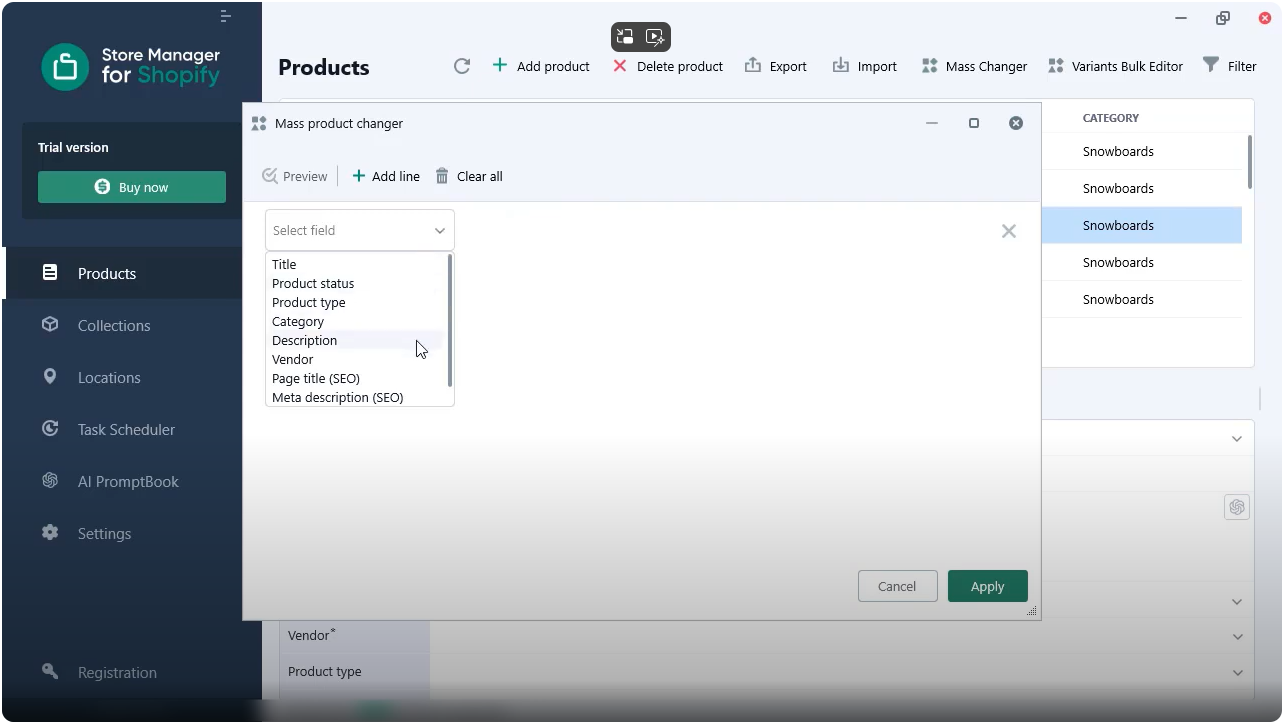
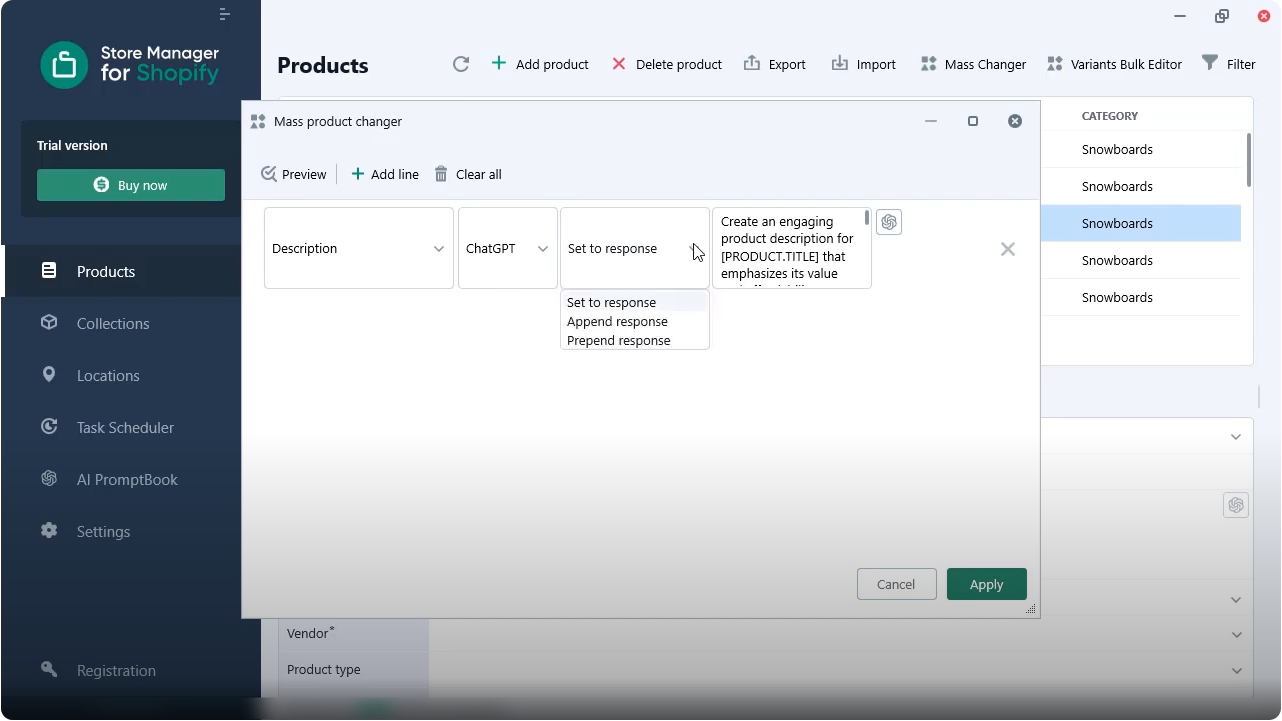
- Select the description field to apply mass changes
- Choose ChatGPT as the content generator for your selected products
- Choose an action. You can set a new product description, prepend or append the generated text to your existing description
- Go to prompt editing. Update your prompt per your needs or use the default one
- Run bulk product content generation
- Check generated product description
Also there's a YouTube video available that you can check to follow steps: "Generate Shopify product descriptions with ChatGPT and Store Manager for Shopify app by eMagicOne
Let's review the steps one by one:
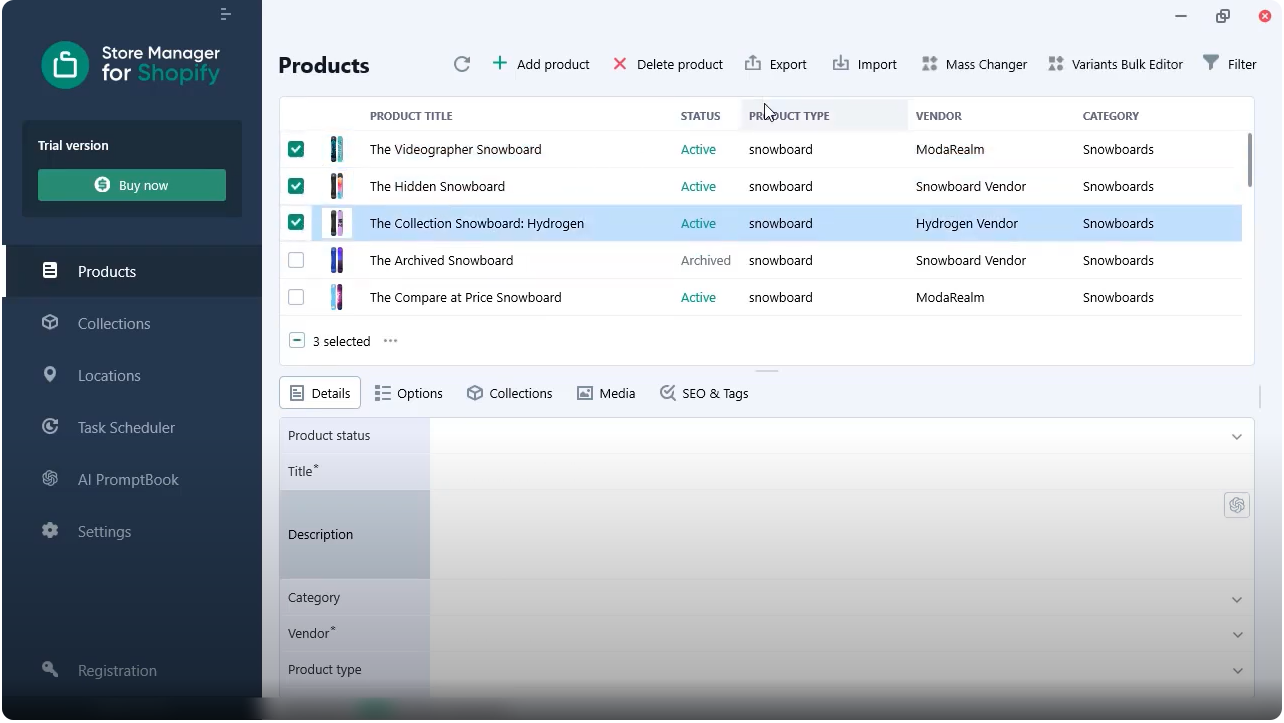
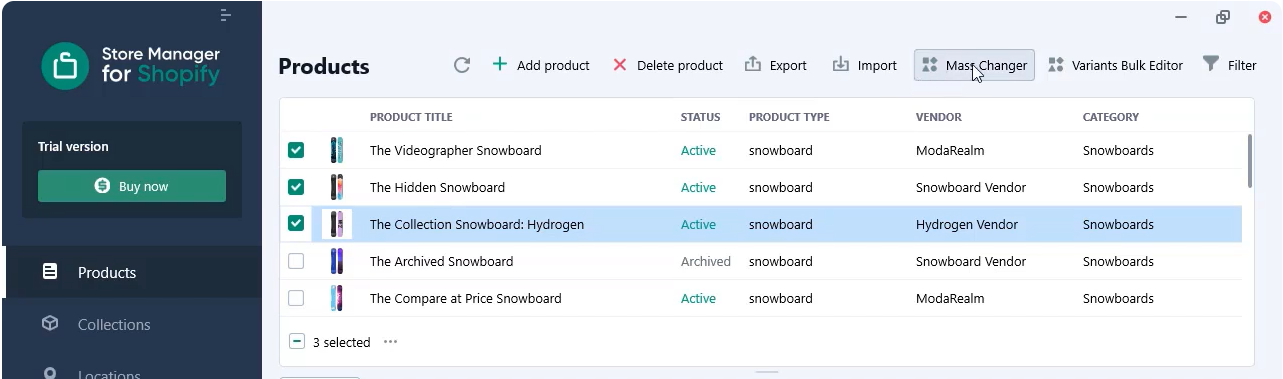
3. Select the description field to apply mass changes.
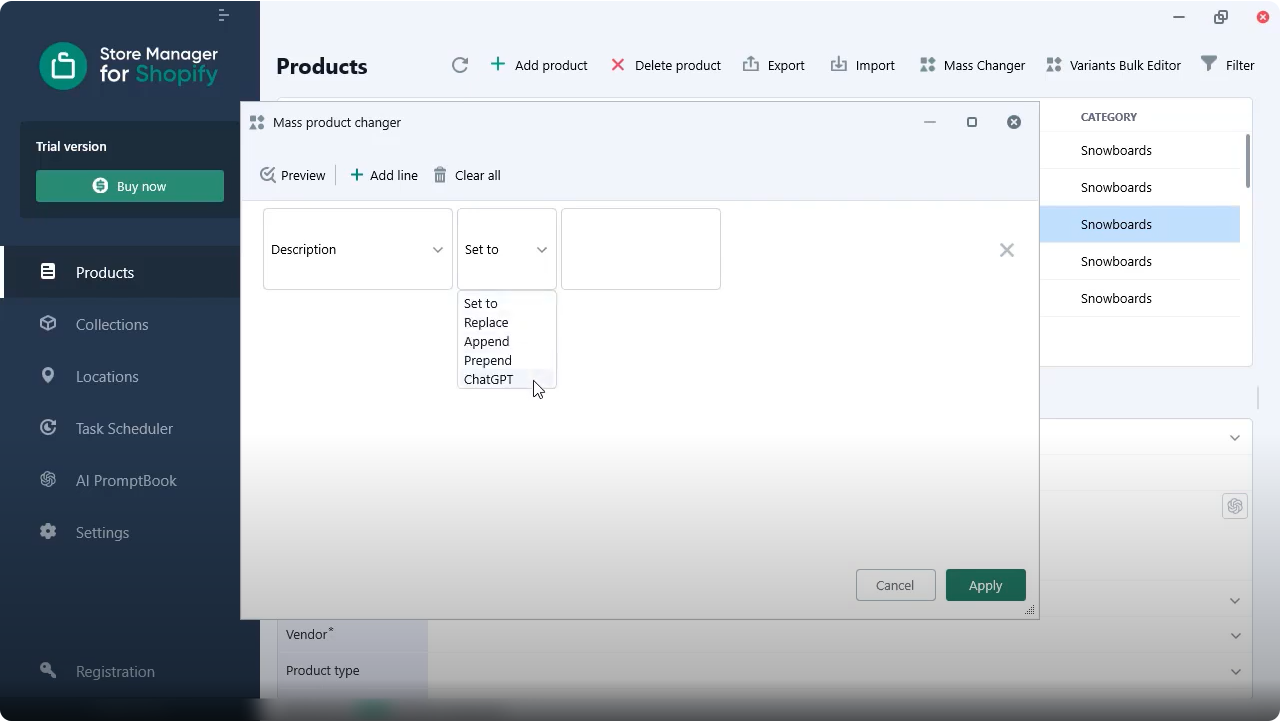
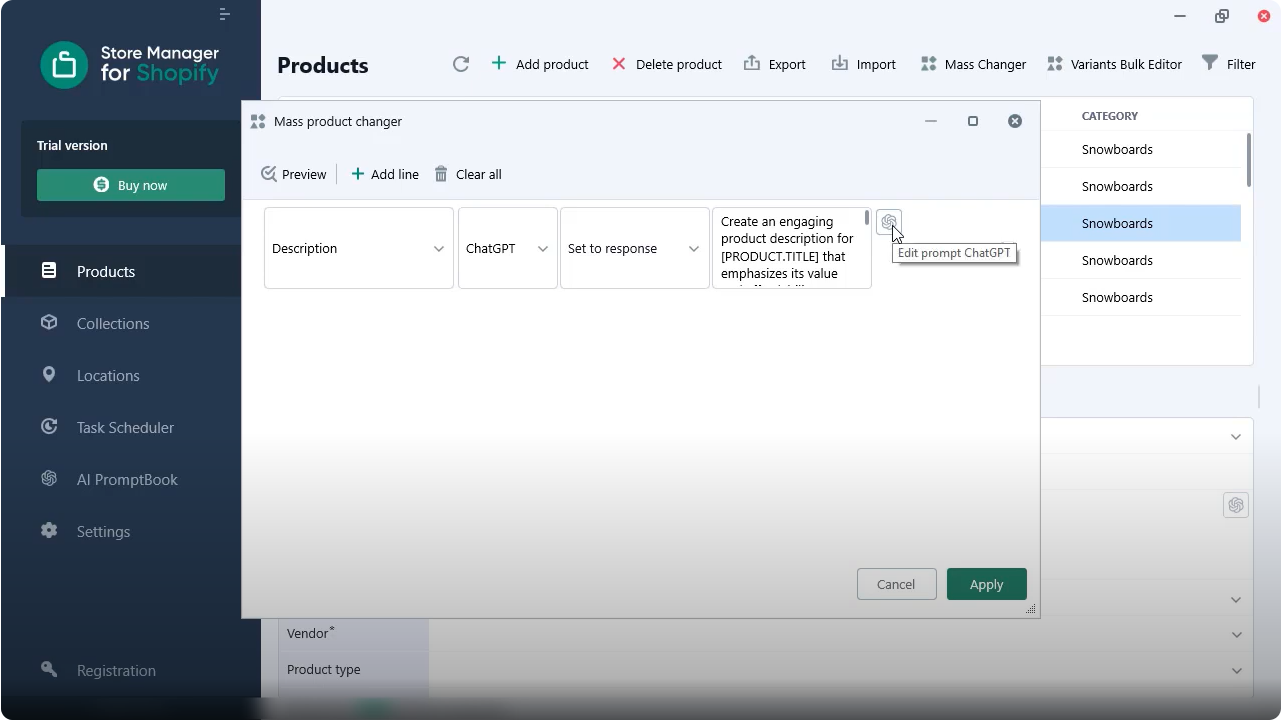
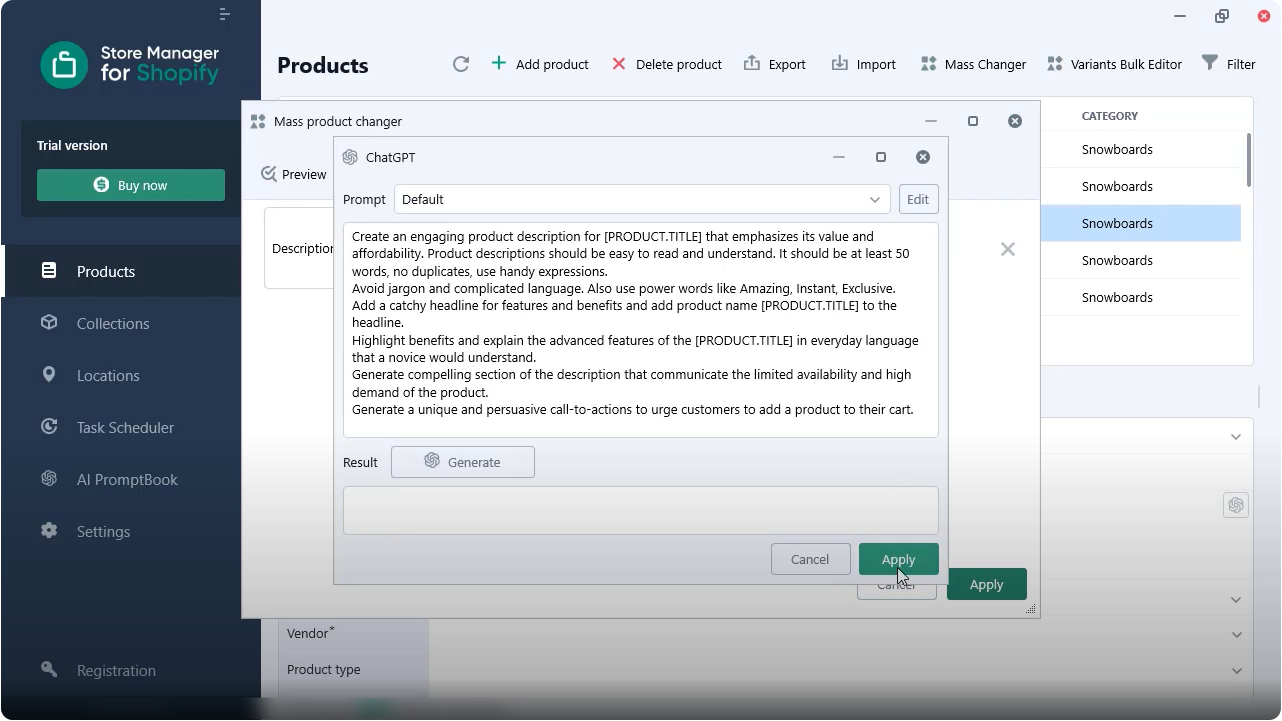
Here, you can see the default prompt. We recommend adjusting the prompt to make sure it allows you to generate the perfect content per your needs.
"
Create an engaging product description for [PRODUCT.TITLE] that emphasizes its value and affordability. Product descriptions should be easy to read and understand. It should be at least 500 words, no duplicates, use handy expressions. Avoid jargon and complicated language. Also use power words like Amazing, Instant, Exclusive. Add a catchy headline for features and benefits and add product name [PRODUCT.TITLE] to the headline. Highlight benefits and explain the advanced features of the [PRODUCT.TITLE] in everyday language that a novice would understand. Generate a compelling section of the description that communicates the limited availability and high demand of the product. Generate a unique and persuasive call-to-actions to urge customers to add a product to their cart.
"
Hit "Apply" to save changes in your prompt.
7. Run the bulk product content generation.
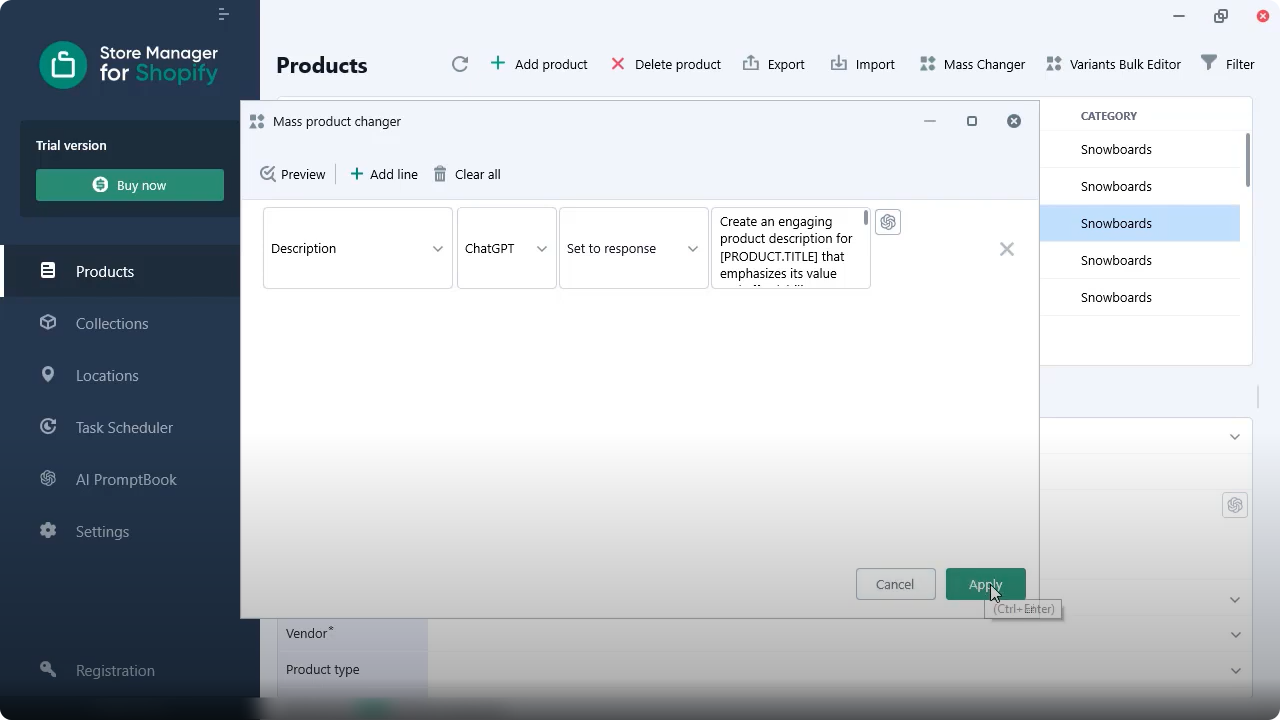
It may take some time if you’re running it for multiple products.
8. Check the generated product description.
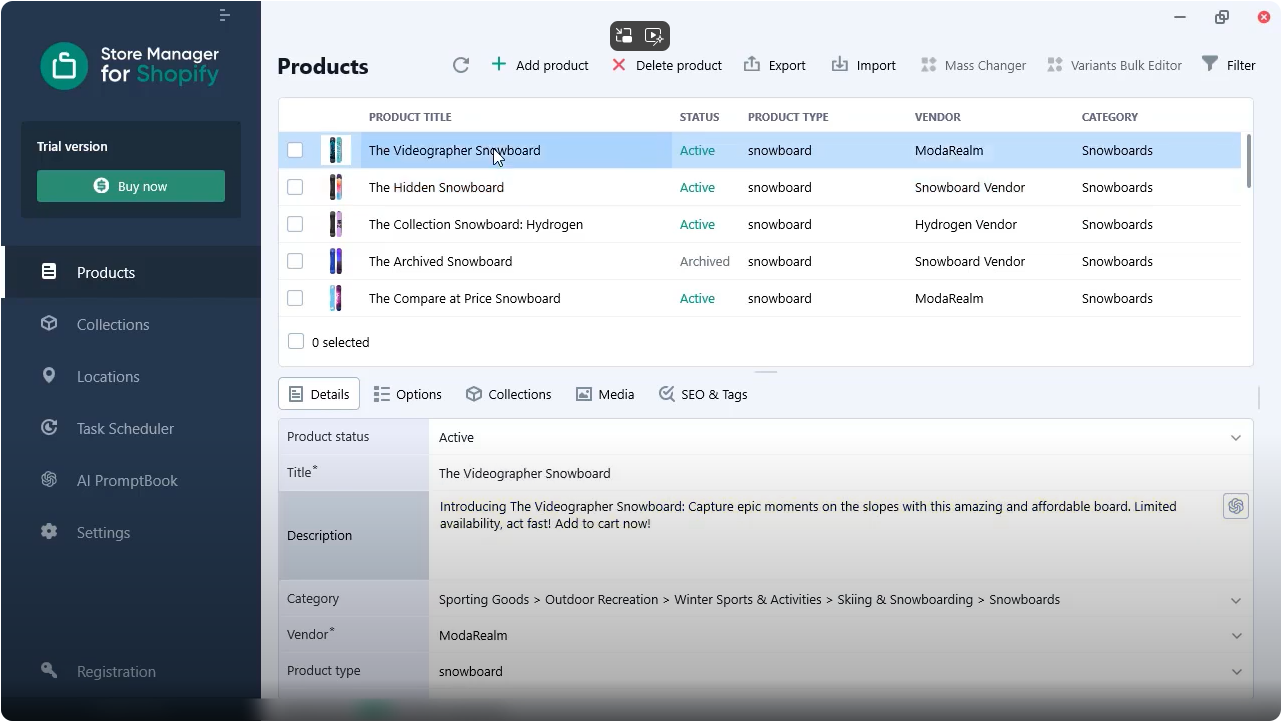
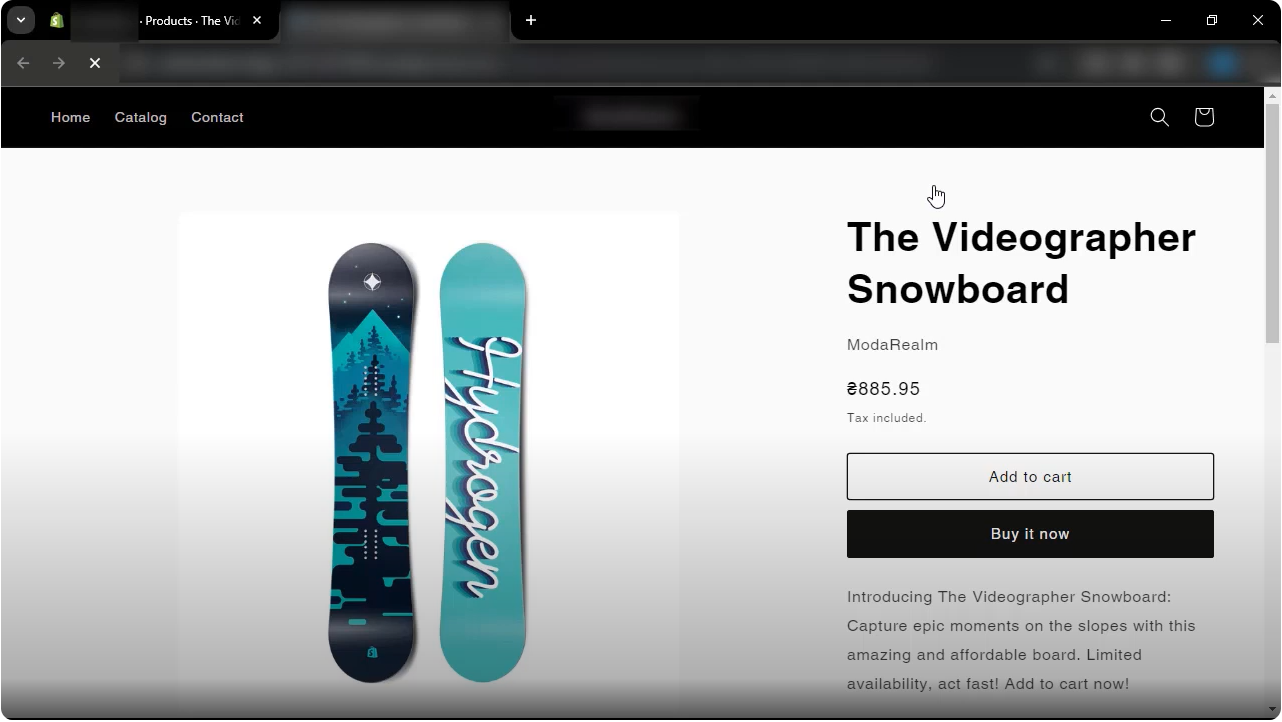
Here you can see the newly generated product description. Also let’s check how the product looks on the frontend.
Note, ChatGPT may charge for each attempt for content generation. Ensure to check your prompt and the generated result for a few products before applying it massively.
Need to run any other scenario? Contact us and we’ll gladly offer you a solution.
Want to find out how to write your own perfect prompt? Check related articles:
- How to write a perfect ChatGPT prompt for Shopify product description?
- ChatGPT Shopify product fields. Macros List. Free Prompt Sample.
- Shopify PromptBook. Free ChatGPT Shopify Product Prompts, Available for Copy/Paste.